Integrations

Connect the tools you already use

Continuum Tracker fits into your existing workflow. Import customer feedback, ideas, and signals from spreadsheets, automation tools, voice, or plain text — and let AI turn them into a structured, prioritized backlog.

No switching between tools. No manual assembling of outputs. Everything lands in one place, ready for further work.

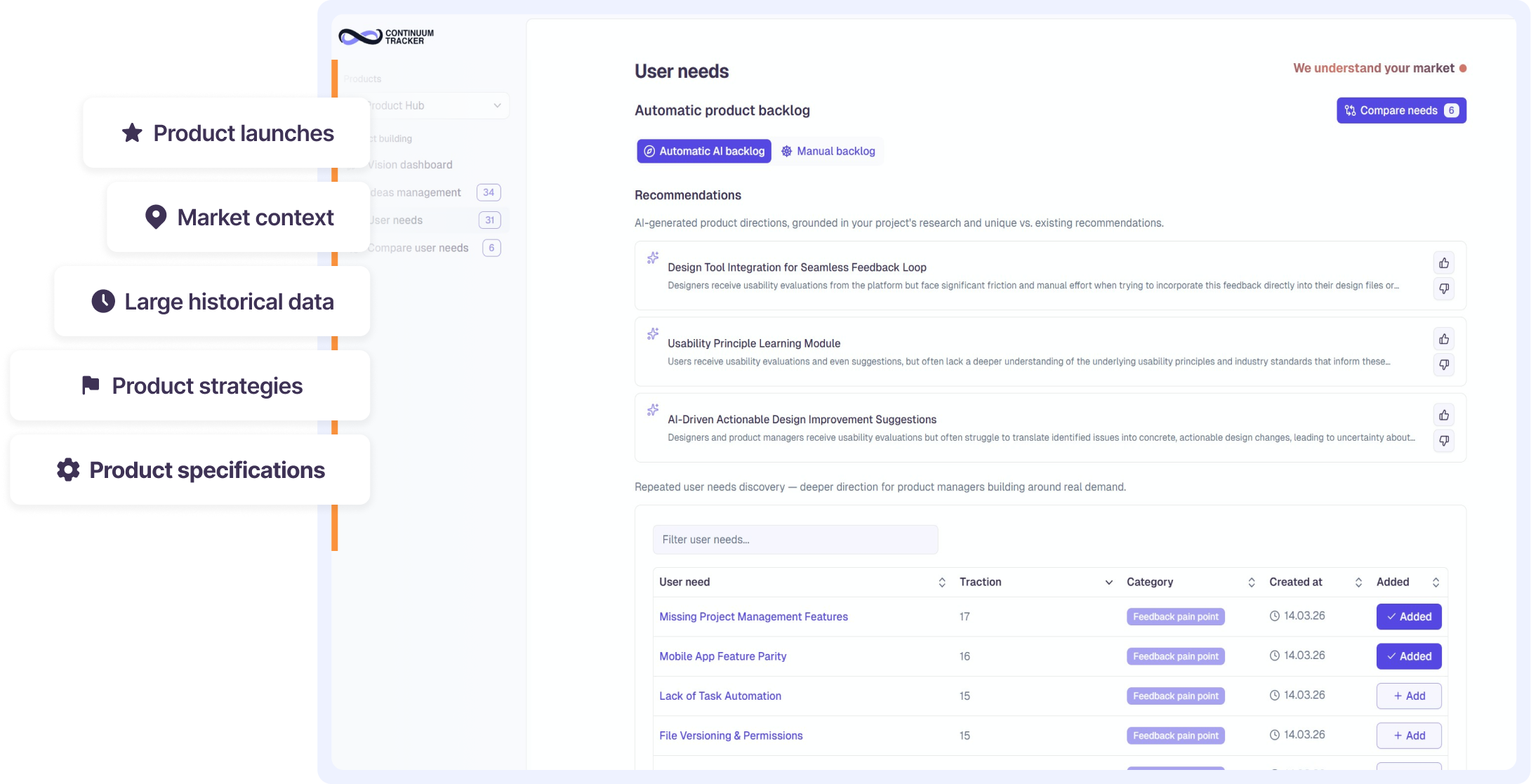
Continuum Tracker backlog dashboard
One platform · Product development

Supported integrations

The platform connects the collection of user inputs from various tools, structures them, enables rapid comparison of future product development options, and compiles everything into a tidy presentation for management. No switching between tools. No manual assembling of outputs.

CSV import

Import CSV format

Bring existing feedback, ideas, and research into Continuum Tracker by importing a CSV file. Each row keeps its context and origin, so nothing is lost on the way in.

Audio voice

Record directly into the app

Capture ideas instantly by voice. Speak your thought and it is transcribed, enriched with context, and added to your backlog. Ideal after a client meeting when you need to quickly capture key information before it gets lost in the day-to-day flow.

Written text

Type directly into the app

Capture feedback, ideas, and key insights as text notes. The app automatically enriches them with context and adds them to your backlog. Ideal during a client meeting when you need to quickly capture key information before it gets lost in the day-to-day flow.